
TDOC Mugshots in the State System
TDOC stands for the Tennessee Department of Correction. Its public tool is the Felony Offender Information Locator, called FOIL. FOIL covers felony offenders now in TDOC custody. It also covers those formerly in custody or under its supervision. A person listed there might be incarcerated. Others show probation, parole, or inactive status. Those labels describe a state corrections record, nothing more. FOIL is not a statewide log of every arrest, charge, or jail intake.
State and county systems simply answer different questions. FOIL fits when a felony case has pushed someone into TDOC custody or supervision. A county roster tracks a local arrest and intake. By contrast, that entry may come before any case ends. Several situations never reach FOIL. Citations, misdemeanors, and pretrial detention are examples. So are municipal cases, federal sentences, and immigration holds. An empty FOIL result does not mean no arrest happened. The record may sit with another agency or custody system entirely.
TDOC's official Offender Search service page names the agency and lays out the current-or-former scope. A profile, it says, can carry a photo, status, location, and offense. Sentence details, parole-hearing status, and release information may also appear. The image here comes from that same official service page. It is a service page, not a gallery of people.
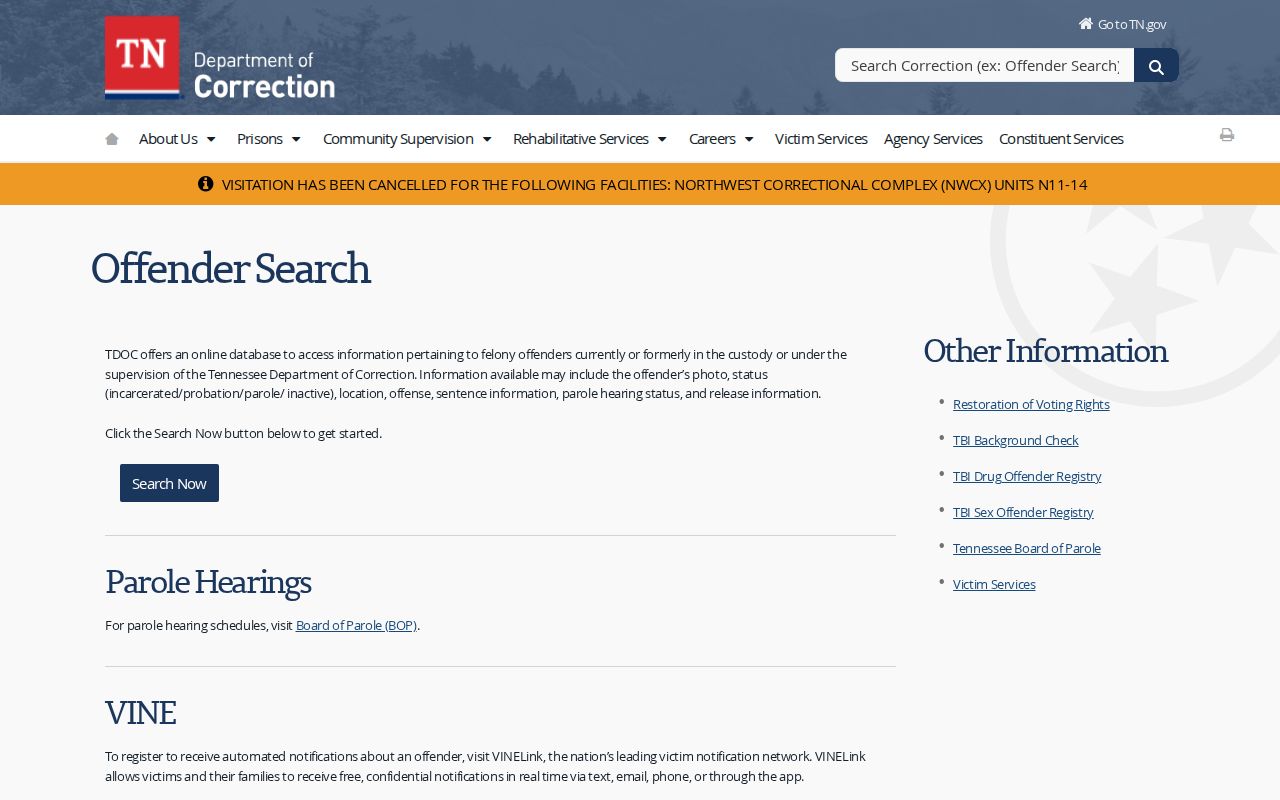
That service page is the official way into FOIL, and it also points to the state's MyTN app. Both routes reach TDOC offender records, never a county sheriff's booking feed.
How to Search TDOC Mugshots
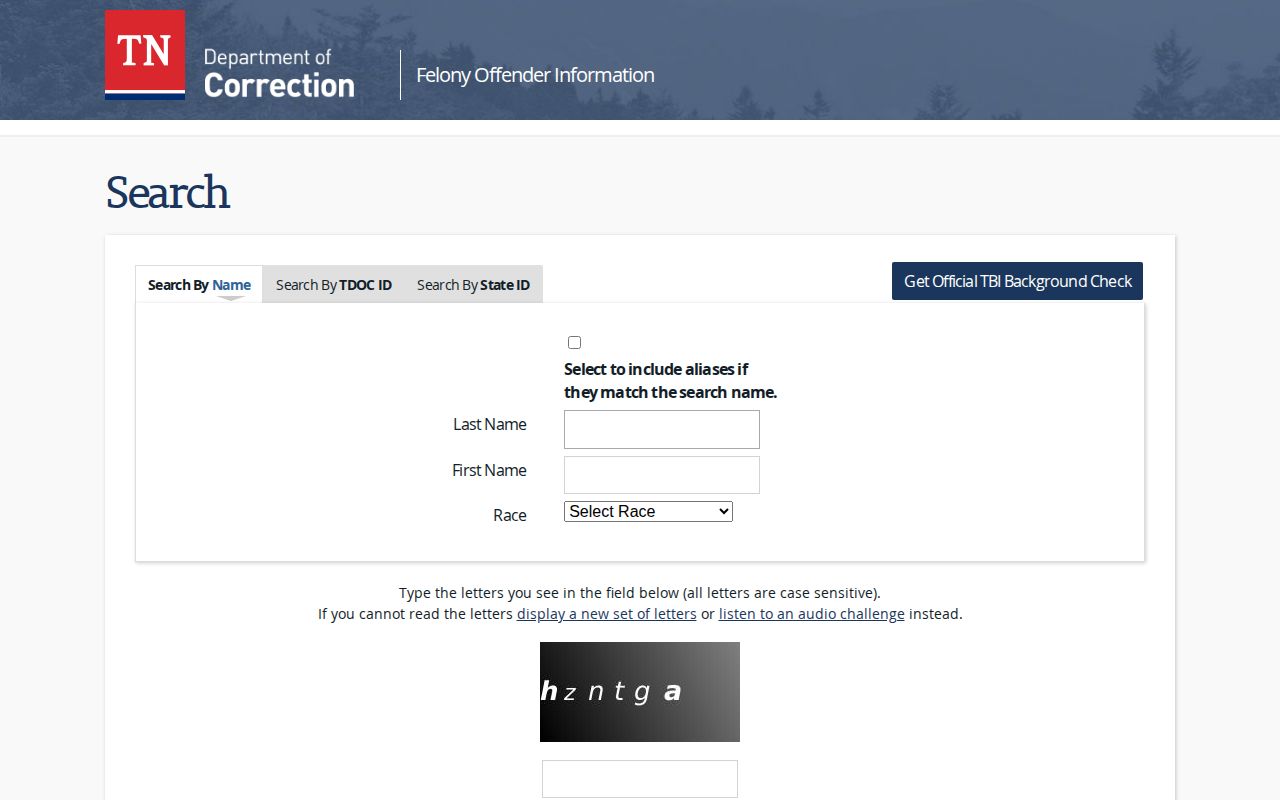
Begin at the FOIL search form. It offers three ways in: by name, by TDOC ID, or by State ID Number. The TDOC ID, the department explains, is the Tennessee Offender Management Information System number. It is often shortened to a TOMIS number. Use an identifier only when you already have it and trust it.
- Choose a search type. Use the name tab when you do not have an offender number.
- Enter the person’s last name and first name. The form also offers an option to include matching aliases.
- Use the race selection only when you have a reliable basis for it. Do not guess a detail to force a match.
- Complete the CAPTCHA and submit the search. Read the result list before opening a profile.
- Compare the profile’s identifying fields with information you already know. A matching name alone is not proof that the profile belongs to the person you mean.
- Read the status and the department’s disclaimer along with any photo. Record the profile URL and the date checked if you need to ask TDOC about a possible error.
These search controls sit on the official FOIL search form. The form takes name details, an alias option, a race selection, and offender identifiers. A CAPTCHA must pass before results load.
Keep the search tight enough to check each result by hand. A close name is not a confirmed match. If nothing appears, retry the spelling. Then try any known identifiers. Ask which agency might hold the record you actually need.
Note: FOIL is a state felony locator, so county booking searches remain the right route for a local intake that never became a TDOC custody record.
What a TDOC Offender Profile Shows
A FOIL profile can combine a photo, identifying details, custody status, and sentence information. Fields vary with the record returned. The table below reflects fields named in TDOC's own search materials and profile interface. It does not promise that any single profile will hold every item. Nor does it promise a complete profile.
| Profile field | What it may show |
|---|---|
| Photo | An image associated with the profile, or “No Photo Available.” |
| Name and aliases | The listed name and any aliases shown in the record. |
| TDOC ID and SID | TDOC’s offender identifier and the State ID Number. |
| Biographical details | Birth date, sex, race, height, complexion, weight, eye color, and hair color. |
| Status and location | A custody or supervision status and an assigned location when listed. |
| Sentence information | Combined sentence length, active sentences, and sentence begin or end dates. |
| Release and parole | Release-eligibility information and parole-hearing date or result when present. |
| Supervision or custody level | The level recorded for the person’s current state custody or supervision. |
This profile screenshot comes from the FOIL details interface. It shows a real limitation. A TDOC record can display "No Photo Available" yet still present biographical and status sections in full. A blank field says nothing about whether some other agency took a photograph.
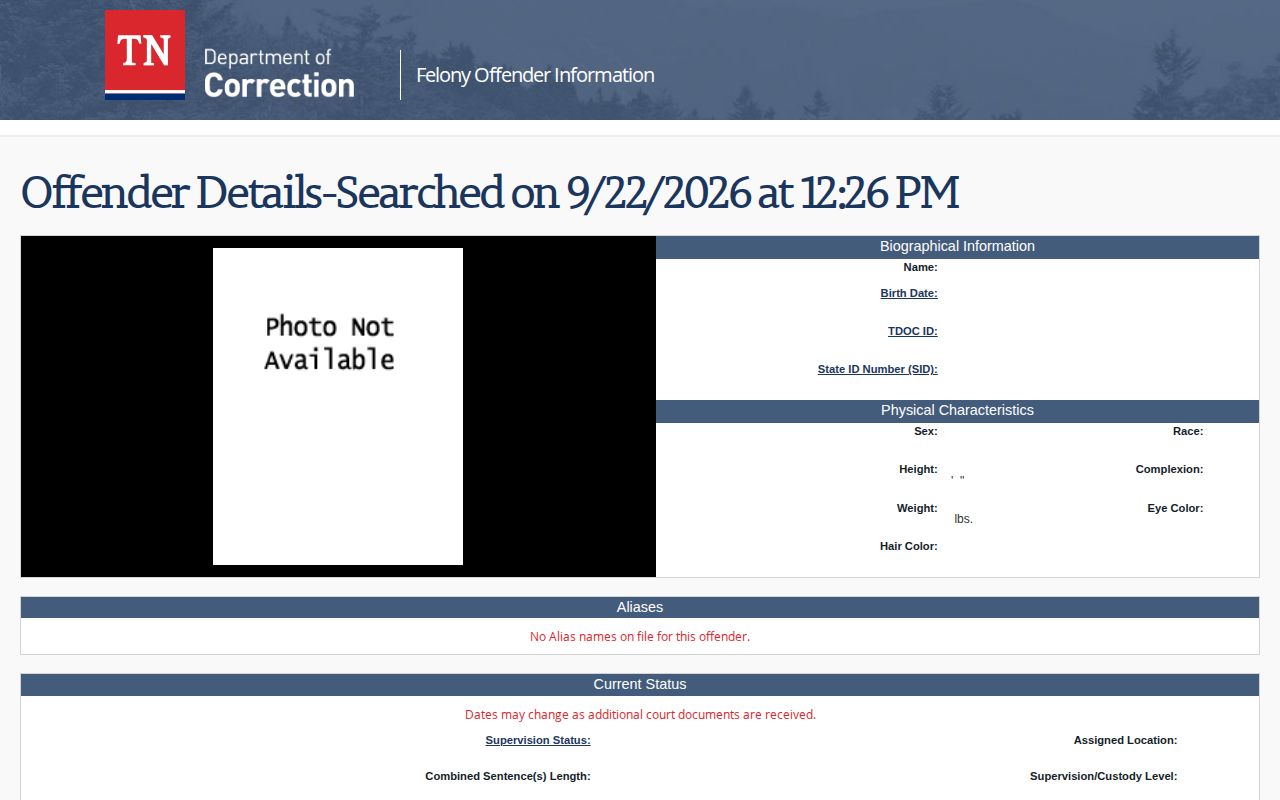
Read the fields together. Identifiers and biographical details separate people with similar names, while status and sentence data describe the state record itself. Keep in mind that a profile is not a court judgment, a certified sentence, or a full case file.
TDOC Mugshot Availability and Updates
TDOC says a FOIL profile may include a photo, and it also allows "No Photo Available." No fixed rule says when a picture is taken. The department sets no refresh interval. It posts no universal replacement schedule, nor a guaranteed period for how long an image stays attached after release. Treat what you see as the photo currently linked to that FOIL profile, nothing more.
That limit matters when you compare searches over time. The picture you see today may not be the newest image TDOC holds. It may not be the first intake shot either. Nothing marks it as the county booking photo. Official materials give no capture date and no fixed refresh cycle. Image quality proves nothing about any of this. Neither does clothing. Nor does the day you viewed a page.
Text and status can change as TDOC receives court documents or updates the record. The department does not promise profiles stay visible forever. Nor does it promise a released person keeps a photo. When a specific detail looks wrong, use TDOC's FOIL help page. It routes questions through Constituent Services. Tie the request to the official profile and the exact field at issue.
Note: A visible FOIL image does not establish when it was made, whether another agency holds a different photo, or how long a copy stays online.
Former Offenders and TDOC Search Visibility
FOIL, in TDOC's own words, covers people currently or formerly incarcerated in, or supervised by, the department. The wording is broad. So the search is not limited to people in a prison bed today. A former offender's profile can remain searchable under an inactive status, though the service page stops short of promising that everyone stays listed after release or discharge.
Former status and photo retention are two different questions. A record can remain visible without a photo. Photos and records do not travel together. Nothing in the official materials promises an image outlasts the end of state custody or supervision, and there is no universal cutoff for when a former record drops from public search. Do not read the presence or absence of a picture as proof of current custody.
Read the status label, location, sentence dates, release information, and any parole-hearing details as parts of one profile. "Inactive" is a status value. If a result is unclear or looks out of date, confirm the relevant state record with TDOC through its FOIL help channel. For a county arrest or local booking photo, the county record custodian remains the proper source.
Request a Current TDOC Record or Photo
A FOIL profile is an online view. Not everything appears there. It does not guarantee that every underlying TDOC record or image is displayed. A department record may be missing from the locator. In that case, use the official TDOC Media and Records Requests page. TDOC directs requesters to complete sections 1 through 4 of its Inspection/Duplication of Records Request form. Submit it to TDOC.MediaRecordsRequests@tn.gov under department policy 216.01.
Describe the record so staff can separate it from other material. Include a full name. Add the TOMIS number if known. Also give the date range, the particular record sought, and the preferred format. If the request concerns a photo, identify it as a photo currently held by TDOC. Give enough context to locate the related offender record. One caution applies. A TDOC photo request does not automatically reach the county jail's intake image.
The Tennessee Public Records Act FAQ explains the statewide public-records framework and the principles behind a request. The rules are statewide. Access still depends on the record, the custodian, and applicable confidentiality limits. A public-records request cannot turn protected information into an open record. No single fee or response time fits every request.
A clear request names the agency and the record category. It avoids asking for "all records" with no date or subject. Keep any private identifying material inside the request itself. Never post sensitive details in a public comment or attach them to a third-party mugshot page.
Note: Ask TDOC for a record it holds, and ask the county agency separately when the item sought is a local booking photograph.
Request Archived TDOC Records
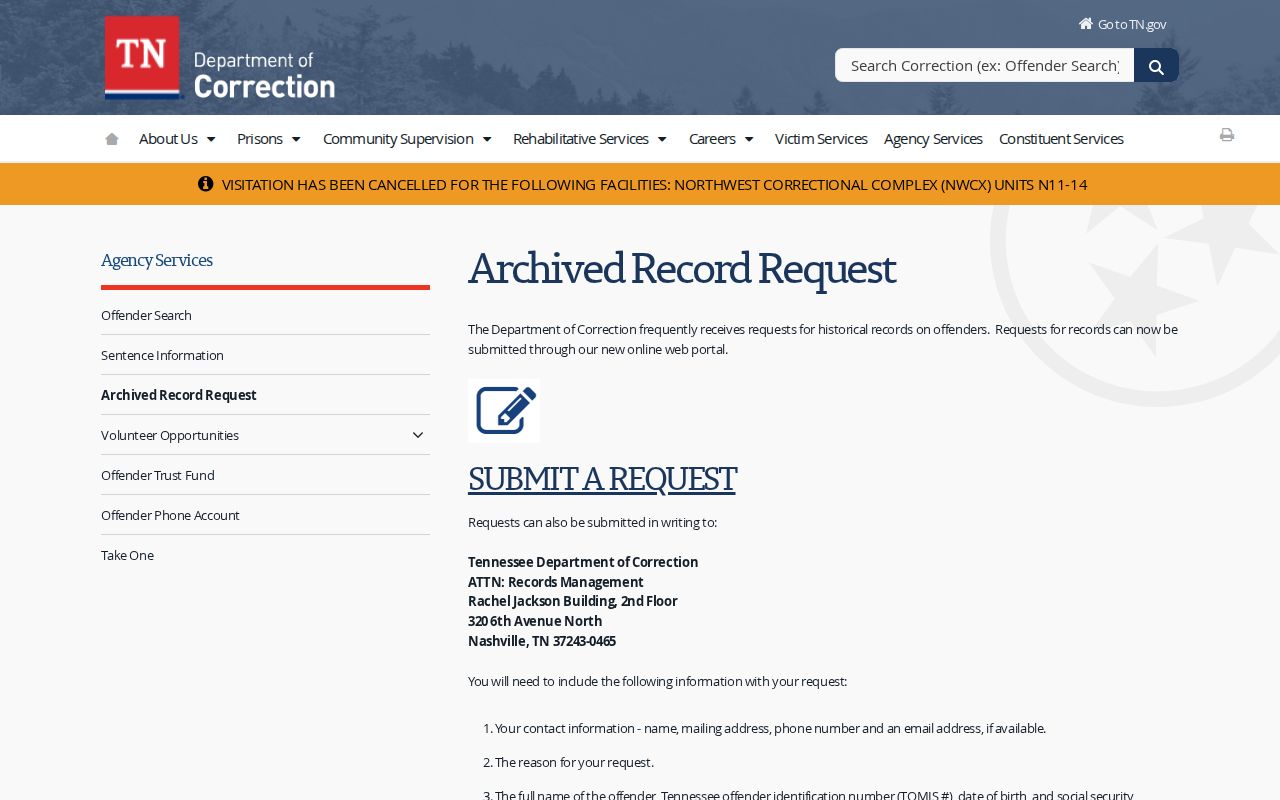
Older TDOC files take a separate route. The department's Archived Record Request page offers an online portal and a written request option to TDOC Records Management. Either way, you supply the same basics. Give contact details, the person's full name, TOMIS number, and date of birth. The form also asks for a detailed description of the records sought.
Be specific about what you need. Name the time period and the type of record. Say whether you want an offender file, a single document, or a photo held in an archived TDOC record. Vague requests slow things down. A name-only request may leave Records Management unsure which file to pull, so follow the page's current submission instructions.
The request page warns that a search may carry a charge. Do not send money up front. Wait for the department's directions before paying anything. TDOC posts no fixed archive fee or set processing time, so confirm those details on the current request page.
The TDOC Archived Record Request page also displays the written request route. A request route is no guarantee, though. The record may not exist, may no longer be available, or may contain no photograph at all.
An archived TDOC request covers department material. It does not replace a county request for the first booking image, booking log, or sheriff intake record. Identify the agency that created or holds the record first.
TDOC Photos vs County Booking Photos
Both records can hold a photo. But a state offender profile and a county booking file come from different custody stages. The custodians differ too. A booking photo is taken at local intake. A FOIL image is the one tied to a TDOC offender profile. Nothing in the statewide sources says the two must match or that one replaces the other.
| Record | What it covers | Where to ask |
|---|---|---|
| TDOC offender profile and photo | Felony offenders currently or formerly in TDOC custody or supervision; a photo may be present. | FOIL for the public profile; TDOC Media and Records Requests or Records Management for department records. |
| County booking record and intake photo | A local arrest and jail intake, subject to the county agency’s system, policy, and record rules. | The sheriff, jail, or other county custodian that handled the booking. |
For a fresh county arrest, start where the record was made. Check the county's official roster, booking feed, or records office. Not sure which county holds it? The Tennessee County Directory points you to the right official route. A person can have a county booking record with no TDOC profile at all. Later, a state offender record may exist, but it answers a different question.
County booking follows a set procedure in Tennessee. The CTAS booking guidance summarizes the steps: a photograph, fingerprints, an arrest report, a warrant or capias, and disposition workflow. That statewide procedure still does not create one state booking-photo database. Counties post records their own way. Search fields vary as well. So a FOIL lookup cannot stand in for local intake records.
County copies run on their own schedules too. The Tennessee sheriffs' records retention schedule covers sheriff records, but it promises nothing about when an online page or a third-party copy disappears. Ask the originating office about any specific retention or access question.
What a TDOC Search Cannot Confirm
TDOC itself flags the limits here. Profile dates can shift as court documents arrive. The agency also disclaims accuracy, timeliness, and completeness outright. Treat FOIL as an official starting point. It is not a certified court order. It is not a full case history either. When the exact current status matters, verify with TDOC or the court record.
A name match does not prove identity on its own. Compare the TDOC ID, SID, birth date, aliases, and other profile fields before you trust the result. A missing result has limits too. The person may sit outside TDOC's felony custody or supervision scope. They may be listed under another name. They may belong to a county, federal, or immigration system.
A state profile describes custody, supervision, and sentence information. A court docket tracks the legal steps and the final disposition. Need the outcome of a charge? Confirm it through the court with jurisdiction. If a record gets corrected or an order changes access, ask the official custodian what changed.
TDOC Jail Reports Are Not Mugshot Feeds
TDOC publishes monthly Jail Summary Reports as well. These are last-day-of-the-month snapshots of county jail populations. Sheriffs and jail administrators submit the counts, and TDOC Research and Planning summarizes them. They describe statewide populations. They do not track any individual booking. No names appear there. No arrest lists or photographs either. Use the TDOC Jail Summary Reports page for the reports themselves. For a named booking or its intake photo, go to the local booking agency; for a state felony offender in custody or supervision, use FOIL. A statewide statistical report simply cannot confirm that a named person was arrested, booked, released, or transferred.